Sleep Tracking App iPhone: What Actually Matters for Babies
At 1:45 a.m., your partner is asleep, your baby has just woken, and you're trying to remember whether the last nap ended at daycare or at home. In the morning, a nanny may ask when the baby last slept, while a grandparent remembers a different time. The problem isn't a missing sleep score. It's that no one has the same timeline.
That's the decision an iPhone sleep tracking app should help with. The useful question isn't which dashboard looks most polished. It's whether the tool can survive a tired handoff between parents, partners, grandparents, nannies, and daycare without turning uncertain estimates into facts.
Table of Contents
- A 2 a.m. Moment That Frames This Decision
- Six Features That Actually Matter on iPhone
- Caregiver Logging, Passive Sensing, and Shared Records
- Matching Features to Real Households
- Where iPhone Sleep Tracking Quietly Lets Parents Down
- Setting Up a Shared Sleep Log on iPhone
- A Short Checklist for Choosing Tonight
- Questions Parents Actually Ask
A 2 a.m. Moment That Frames This Decision
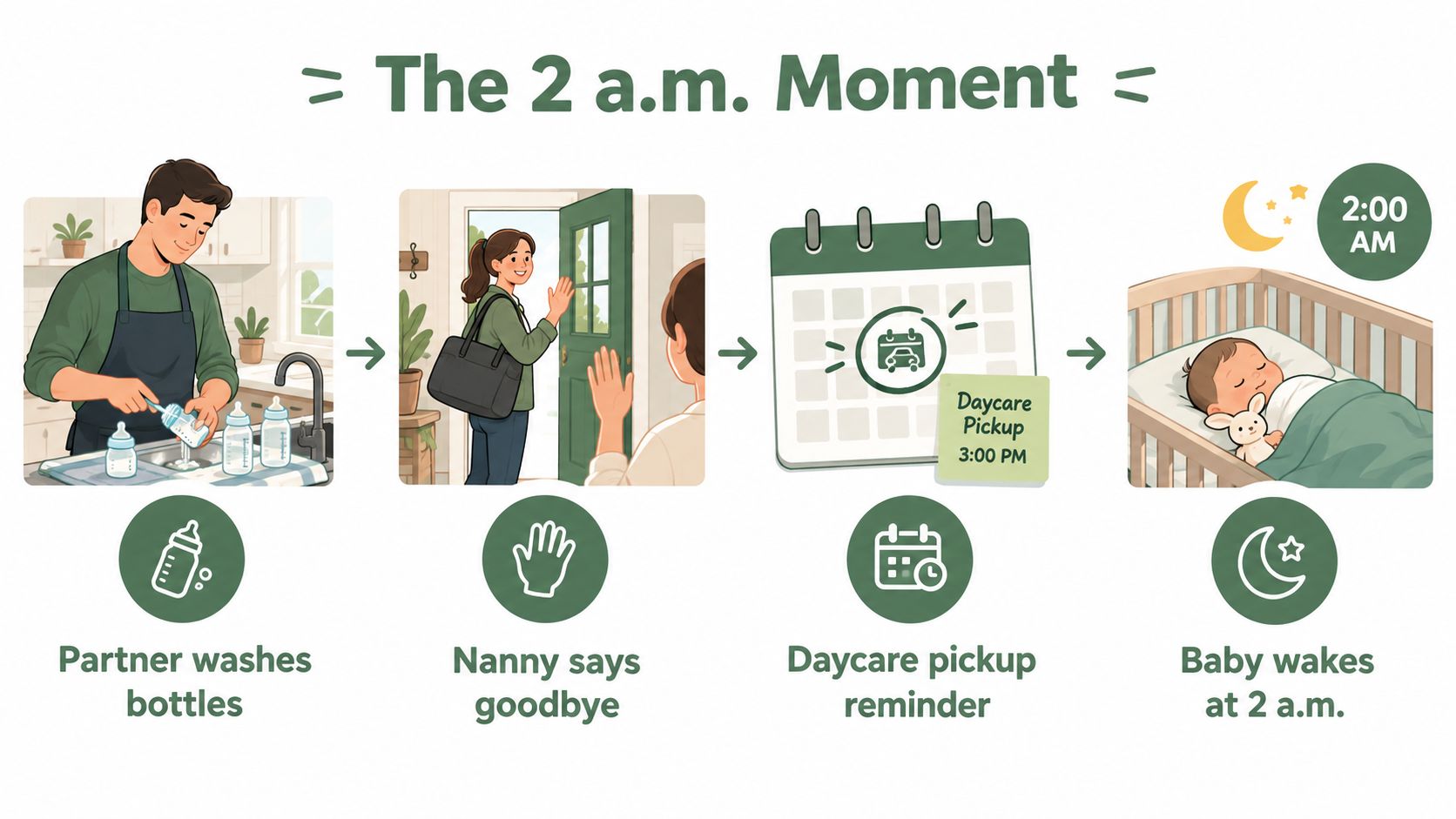
Your partner is in the kitchen washing bottles. The nanny is putting on a coat and saying goodbye. Tomorrow's daycare pickup is already on the calendar. Your baby is quiet for now, but everyone knows that quiet may not last until morning.
At 2 a.m., one caregiver soothes the baby while another is still asleep. The next morning, both adults may remember the night differently. One saw the baby wake. The other only saw the time the baby settled. If a tracker records one neat sleep block without preserving who observed what, it creates a tidy story that may not match the night.
That's why I'd judge an iPhone tracker as a coordination surface first and a sleep-score screen second. The app needs to make it easy for one person to start a sleep event, another to add a wake or soothing note, and a third to understand what happened without asking for a full retelling.
Smartphone sleep tracking is already a mainstream behavior. In a 2025 American Academy of Sleep Medicine survey of 2,007 U.S. adults, 48% said they had used some type of sleep-tracking device, while 23% had used a smartphone and app, according to the AASM survey report. For families, that accessibility matters because shared records shouldn't depend on every caregiver owning a specialized wearable.
The right choice depends on the household, not just the phone.
| Your household looks like | The feature that matters most | Where to spend your attention |
|---|---|---|
| Two parents sharing nights | Shared timeline with caregiver identity | Whether entries show who logged them |
| A parent and nanny | Cross-platform access | iPhone, Android, and browser support |
| Grandparents providing backup care | Simple event logging | Whether a tired caregiver can use it quickly |
| Daycare plus home care | Reliable sync and reconciliation | Whether daycare naps appear in the same daily record |
| Fragmented nights with frequent soothing | Manual notes plus estimates | Whether inferred sleep is clearly labeled |
A sleep tracker can reduce repeated questions. It can't decide whether a baby is comfortable, whether a feeding is going well, or whether a sleep pattern needs medical attention. Those questions belong with a pediatrician or lactation professional.
Six Features That Actually Matter on iPhone
A good family tracker earns its place during handoffs, not during a product demo. These are the six filters I'd use before inviting anyone into a child's log.
Shared caregiver support
Look for individual identities, not one shared password. A parent, nanny, grandparent, or daycare worker should be recognizable in the timeline. That small detail answers practical questions quickly: who started the nap, who ended it, and whether a note came from daycare or home.
A shared login hides responsibility and makes corrections awkward. It also creates unnecessary privacy risk when someone no longer provides care.
Offline behavior
A caregiver may log an event in a basement, on public transport, or somewhere with unreliable reception. The important question is whether the iPhone saves the entry locally and reconciles it cleanly once the connection returns.
A lost nap entry is worse than a plain interface. Ask what happens when the phone is offline, then test it during the trial rather than trusting a feature list.
Privacy and permissions
A child's sleep log can sit beside feeding, diaper, pumping, growth, and developmental information. Check the privacy policy before entering those details, and make sure access can be removed without deleting the entire family record.
The FTC's guidance for mobile health apps explains that health-app developers can face legal problems if they share health information in ways that conflict with their privacy promises. For children's information, the FTC's COPPA guidance also emphasizes parental notice, consent in relevant situations, access, deletion, and reasonable security.
Platform and browser access
An iPhone-only household today may not stay iPhone-only. A partner may use Android, a grandparent may prefer a tablet, and daycare may work from a browser.
Prioritize a service that keeps one record across iPhone, Android, and the web. A platform-specific dashboard may look elegant, but it creates friction as soon as another caregiver enters the picture.
Reporting quality
A useful report answers ordinary questions without pretending to be a medical chart. It should show naps, nighttime sleep, awakenings, notes, and missing information in a form that a caregiver can scan.
Be cautious with polished scores. A clean graph can still conceal uncertainty, especially when a baby was rocked, fed, or moved between rooms.
Estimates versus facts
The app should distinguish manually observed events from inferred sleep windows. That language matters. Smartphone tracking can help identify bedtime consistency, nap timing, and changes over time, but its measurements are estimates.
A 2023 review covering 12 studies reported an average error of 24 minutes for one smartphone-sensor approach predicting sleep duration, while a separate study found that tracking methods differed by more than an hour on 23% of nights, as described in the smartphone sleep-tracking review.
Practical rule: Choose the app that admits uncertainty clearly. Honest estimates are more useful than precise-looking guesses.
Caregiver Logging, Passive Sensing, and Shared Records
There are three basic ways to capture a baby's night. None is complete on its own.
Manual caregiver logging
Manual logging records what a person observed or did. A caregiver can enter that a feed happened, a diaper was changed, the baby was soothed, or sleep began after rocking. This is the only approach that naturally captures context, responsibility, and intention.
Its weakness is obvious. A tired adult may forget to tap the button, record the event late, or use a different description from another caregiver. Manual records can also disagree when two people observed different parts of the same waking.
Passive sensing
Passive sensing uses a phone, microphone, motion signal, or wearable data to reconstruct periods of sleep and wake. It's useful for seeing broad patterns, especially when nobody wants to keep touching a phone overnight.
It can't reliably explain what happened. Movement may mean stirring, feeding, rocking, or a caregiver leaning over the crib. Quiet may mean sleep, but it may also mean a baby lying awake. Passive sensing doesn't know who acted or why.
Shared records
A shared record puts observations from multiple caregivers into one timeline. It can combine manual entries with automated estimates, which is closer to real family care than asking one device to understand the entire night.
The record still needs clear labels. A caregiver-entered wake should not look identical to a predicted wake, and a daycare nap should remain identifiable as a daycare entry rather than blending into a home event.
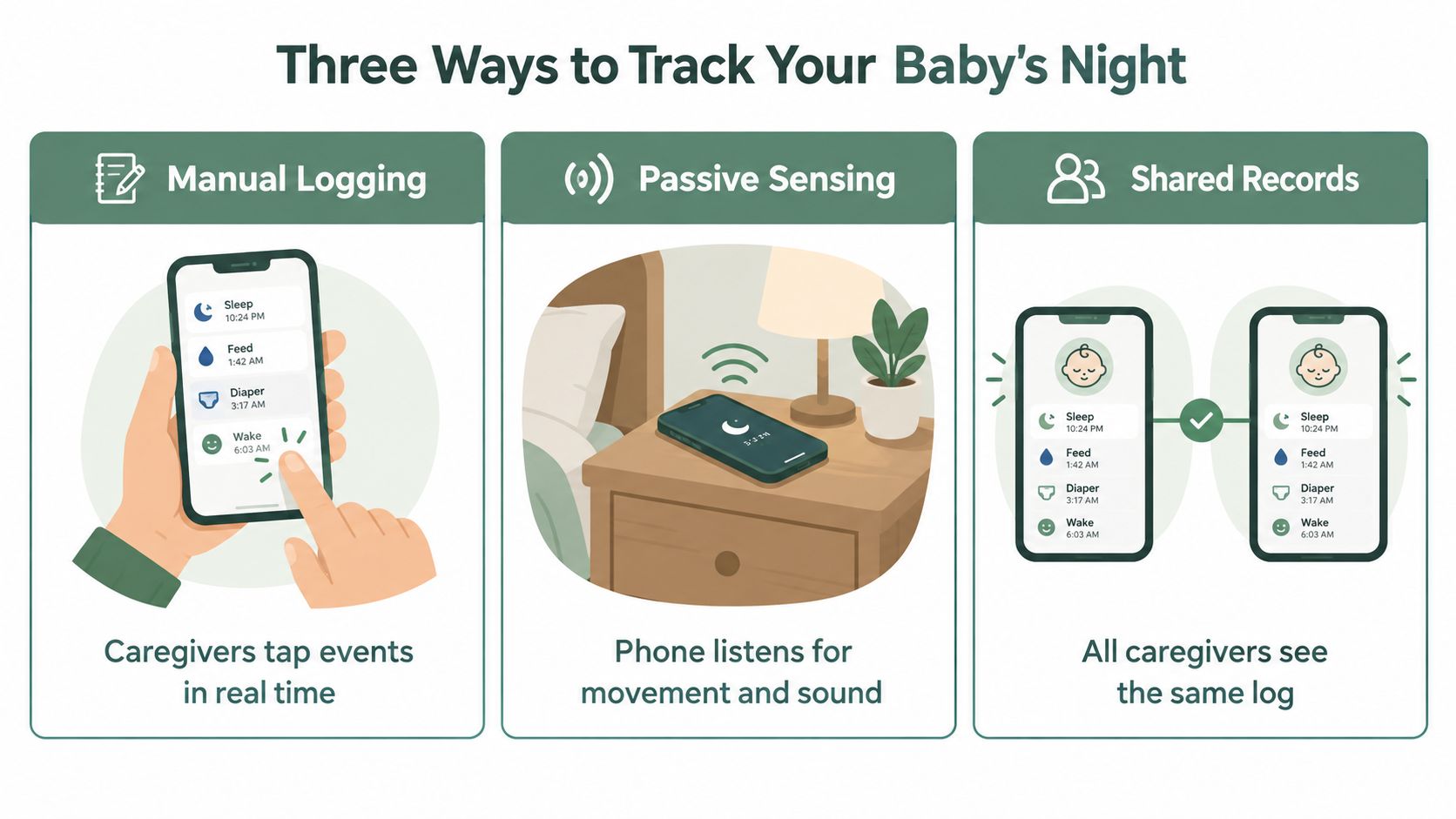
| Approach | What it captures well | Where it falls short | Best fit for |
|---|---|---|---|
| Manual logging | Feeds, soothing, diapers, responsibility | Forgotten or late entries | Families who need context |
| Passive sensing | Broad sleep and wake patterns | Caregiver identity and intention | Trend observation |
| Shared records | Handoffs and combined observations | Requires permissions and reconciliation | Multi-caregiver households |
A hybrid approach is the sensible middle ground. Let people record what they did, let sensing suggest possible sleep windows, and keep the two types of information visibly separate. Families comparing broader baby-recording workflows may also find this baby diary app overview useful.
Matching Features to Real Households
There isn't one universally best iPhone sleep tracker. The right balance changes with who provides care.
Two parents, one partner back at work
Prioritize a shared timeline, quick manual controls, and clear caregiver names. The parent working outside the home may need to understand the previous nap without waking the other adult to ask. Passive sensing is secondary because the household needs reliable handoffs more than detailed stage charts.
A household with a full-time nanny
Cross-platform access and permissions matter most. The nanny should have an individual identity and a simple way to record sleep, feeds, and soothing without sharing the parents' account. Browser access can be more useful than an iPhone-only experience if the nanny uses another device.
A multigenerational home
Keep the interface forgiving. A grandparent providing backup care shouldn't need to understand sleep-stage terminology or configure a complex sensor. Large, obvious event controls and a readable daily timeline carry more weight than advanced analytics.
Spanish-speaking families should also check language support before inviting relatives into the record. A translated interface can prevent small misunderstandings around “started sleeping,” “fell asleep,” and “woke briefly.”
Daycare three days a week
Sync and source labels are the priority. Parents need to see whether a nap happened at daycare, when the child returned home, and which events were entered by staff. A browser option can reduce setup friction for daycare teams that don't want another app installed.
Deprioritize sleep-stage charts in every household. They may look advanced, but they don't answer the operational question most families are trying to solve: what happened, who saw it, and what does the next caregiver need to know?
Where iPhone Sleep Tracking Quietly Lets Parents Down
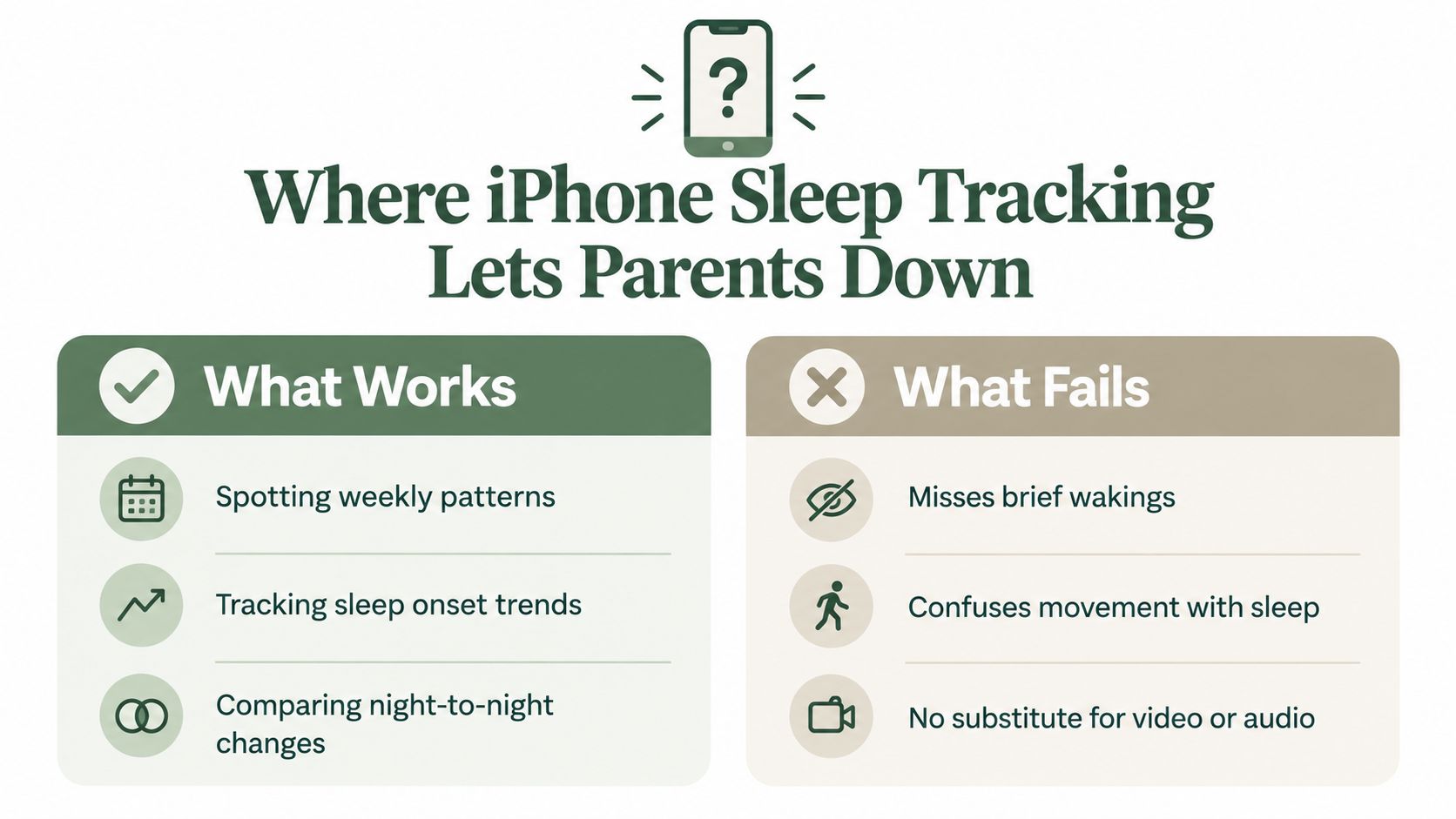
Phone-based tracking is good at suggesting patterns and weak at explaining a single broken night. That distinction becomes more important with infants and toddlers, whose sleep includes feeding, rocking, brief soothing, co-sleeping transitions, and movement that has nothing to do with sustained sleep.
Wearables can improve sleep-versus-wake detection, but they still shouldn't be treated as clinical sleep studies. In one 30-participant polysomnography comparison, Apple Watch achieved 84% overall sleep and wake classification accuracy, with 95% sensitivity and 47% specificity, and it overestimated total sleep time by an average of 39.4 minutes, according to the Apple Watch polysomnography comparison. The numbers support a practical conclusion: use the result as an estimate and look for patterns across nights.
Sleep stages deserve even more restraint. In a laboratory study of 53 adults comparing six wearables with polysomnography, Apple Watch agreement was 88% for two-state sleep and wake classification but 53% for multi-state sleep-stage classification, as reported in the wearable validation study.
The useful order is simple: coordination first, estimation second, diagnosis never.
A noisy score can increase anxiety at 3 a.m. instead of helping a caregiver choose the next practical action. For a baby or toddler, the app should help adults reconcile observations, not pressure them to chase a target or interpret an inferred stage as a health finding.
Follow current safe-sleep guidance from the American Academy of Pediatrics. A logged sleep event doesn't prove that the sleep environment was safe, and no app replaces supervision or pediatric guidance. For a more focused look at the limits of automated infant sleep data, see this infant sleep tracker discussion.
Setting Up a Shared Sleep Log on iPhone
Start with one timeline, not separate caregiver accounts that someone has to merge later. Invite each parent, partner, grandparent, nanny, or daycare caregiver with an individual identity, then decide what each person can view and edit.
Keep the first evening simple. Track the events that affect the next handoff, such as sleep start, sleep end, feeding, soothing, and location. Don't create a detailed taxonomy nobody will maintain at 2 a.m.
Test offline behavior before relying on the record. Enter an event without a connection, reconnect the iPhone, and confirm that the entry appears once, keeps its original time, and remains attached to the right caregiver. Reconciliation matters more than another dashboard widget.
Review the privacy policy before adding a child's information. Limit access to people involved in care, remove former caregivers promptly, and understand whether data syncs to a server or remains on a device.
Use age guidance as context, not a scorecard. The CDC sleep recommendations list 14–17 hours per 24-hour period for newborns ages 0–3 months and 12–16 hours, including naps, for infants ages 4–12 months.
| Age | Recommended sleep per 24h | How an app helps |
|---|---|---|
| Newborns, 0–3 months | 14–17 hours | Combines nighttime and nap entries |
| Infants, 4–12 months | 12–16 hours, including naps | Shows what has already been recorded across caregivers |
Those ranges describe population guidance, not a pass or fail result for one child. If sleep, feeding, behavior, or development concerns you, bring the shared record to a pediatrician rather than relying on an app summary.
A Short Checklist for Choosing Tonight
Choose the tracker that lets your household record what happened, not just what a sensor inferred.
- Shared identity: Each caregiver has their own access, with no shared password.
- Offline reliability: Entries survive poor reception and reconcile cleanly later.
- Cross-platform access: iPhone, Android, and browser users can see the same timeline.
- Clear uncertainty: Predicted sleep windows look different from observed events.
- Useful context: Notes can capture soothing, feeding, daycare, and responsibility.
- Privacy controls: You can review permissions and remove access without confusion.
- No diagnostic claims: The app organizes information but never pretends to assess a baby's health.
Passive sensing alone misses who soothed the child. Manual logging alone misses some overnight patterns. Shared records solve the handoff problem, but only when the family sets permissions thoughtfully.
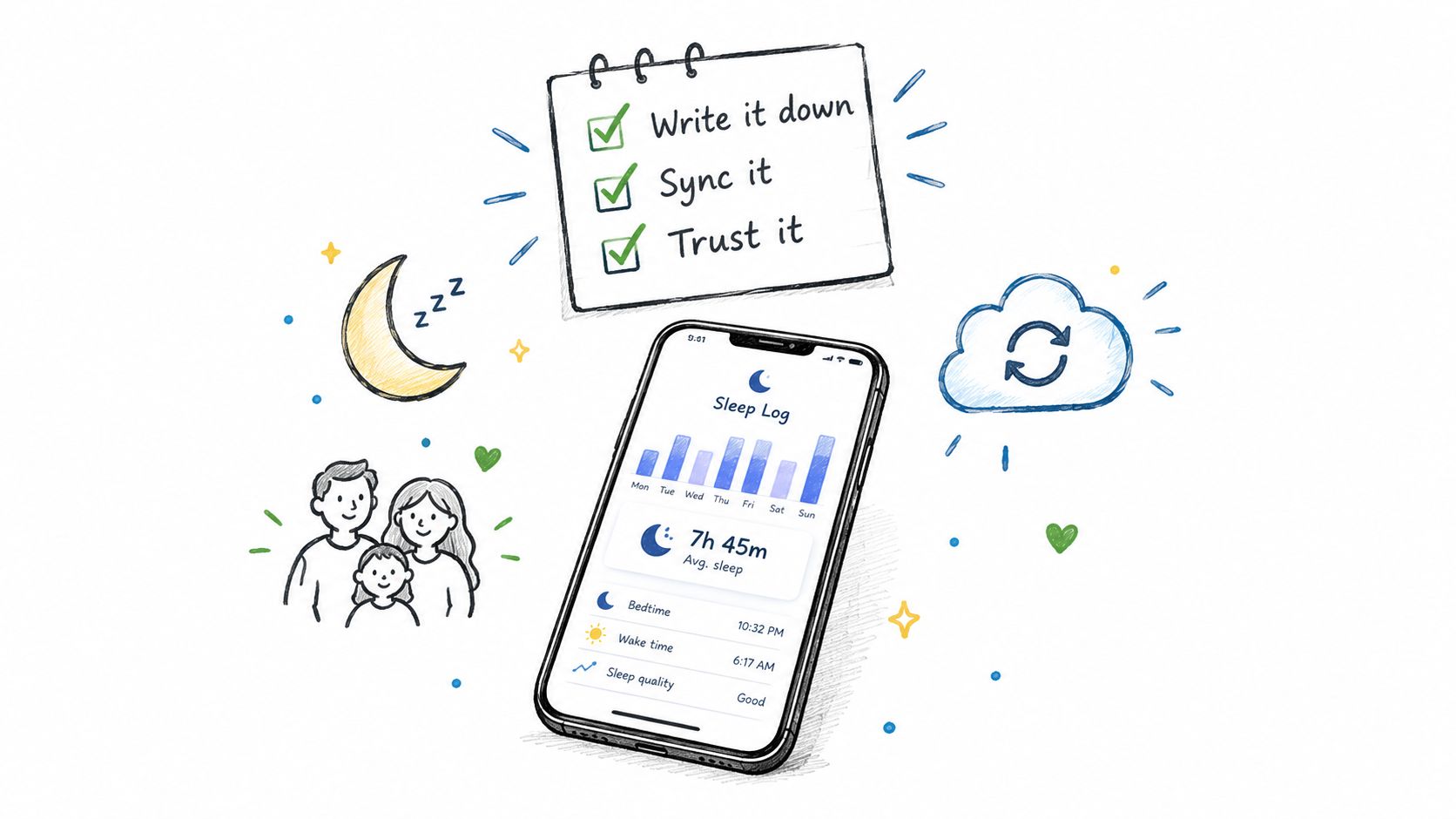
If your household fits more than one setup, prioritize the feature that protects the most fragile handoff. A family using daycare and a nanny needs identity and sync. A two-parent household sharing nights may care most about fast event controls. A family using an iPhone newborn tracking app should still judge it by the same coordination standard.
Questions Parents Actually Ask
Can an iPhone app replace a pediatric sleep consultant?
No. An app can organize sleep events and reveal changes over time, but it can't evaluate a baby's health, feeding, development, or sleep environment. Ask a pediatrician or qualified lactation professional when the question involves care rather than recordkeeping.
What should we do when caregivers see different numbers?
Treat both numbers as estimates until you can reconcile the timeline. Keep the manually observed event, label uncertainty, and note who saw the baby. If the pattern worries you or affects feeding, behavior, or development, share the record with a pediatrician.
How private is a shared baby log?
Privacy depends on the service, its permissions, and its data practices. Read the current privacy policy, limit access to active caregivers, and remember that information about children under 13 can fall under COPPA requirements described in the FTC's COPPA guidance.
Is passive sensing enough by itself?
No. It can suggest broad sleep and wake patterns, but it can miss brief wakings, confuse movement with sleep, and fail to show who provided care. Sleep-stage estimates shouldn't guide medical decisions.
Cradlo gives families, nannies, grandparents, and daycare one shared timeline for sleep, feeds, diapers, pumping, solids, and other care events, with access across iPhone, Android, and the web. It includes a 7-day free trial on the monthly plan, with no free plan, so visit Cradlo to see whether its shared, offline-capable log fits your household.